
Last updated November 15, 2026
 Whole-home duct cleaning
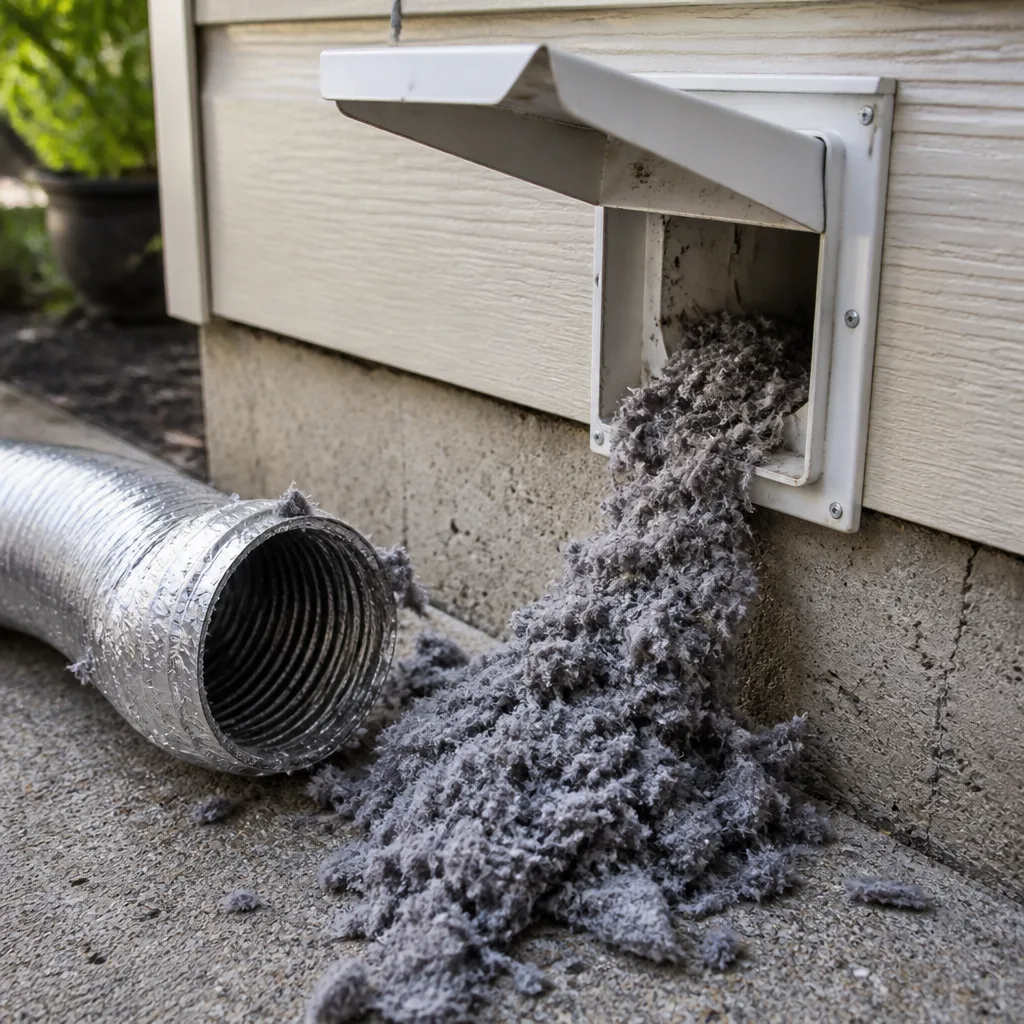 Dryer vent cleaning
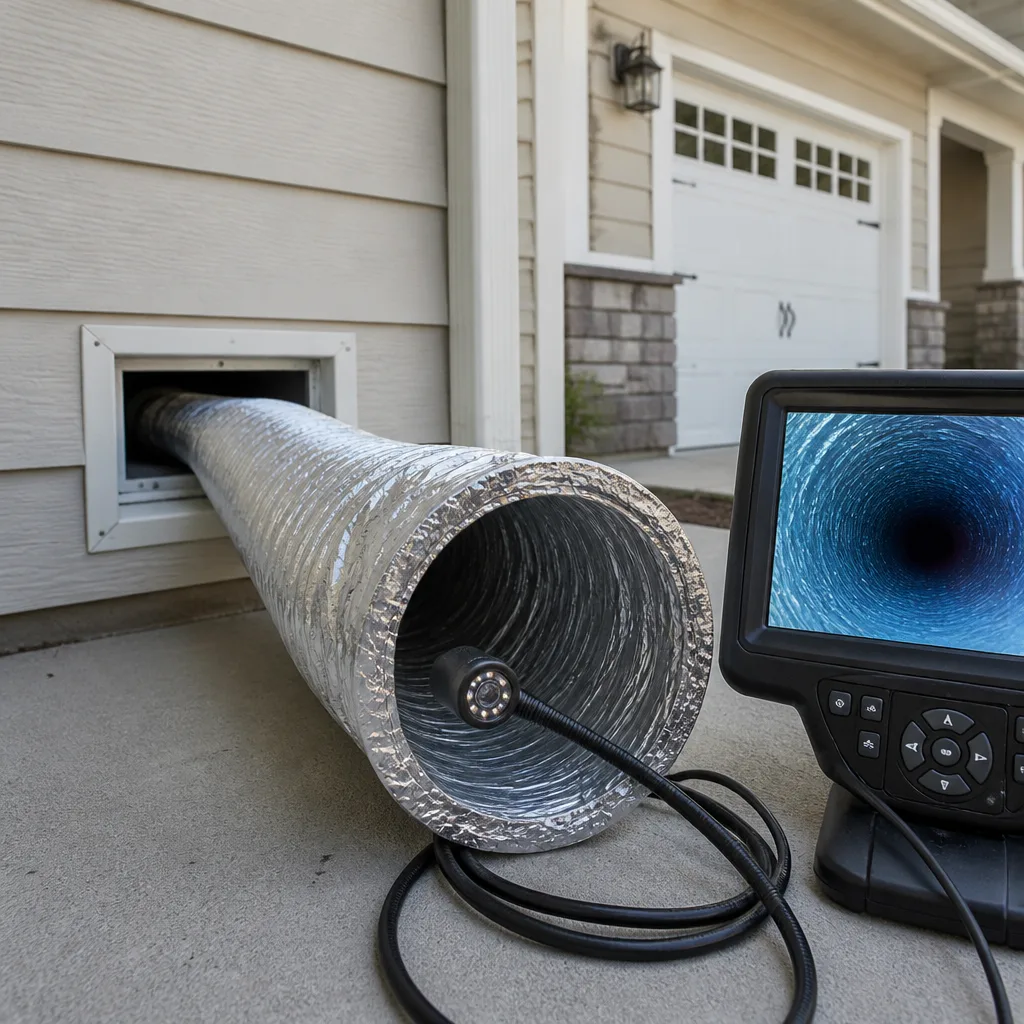 Camera inspection
 Sanitizing & deodorizing
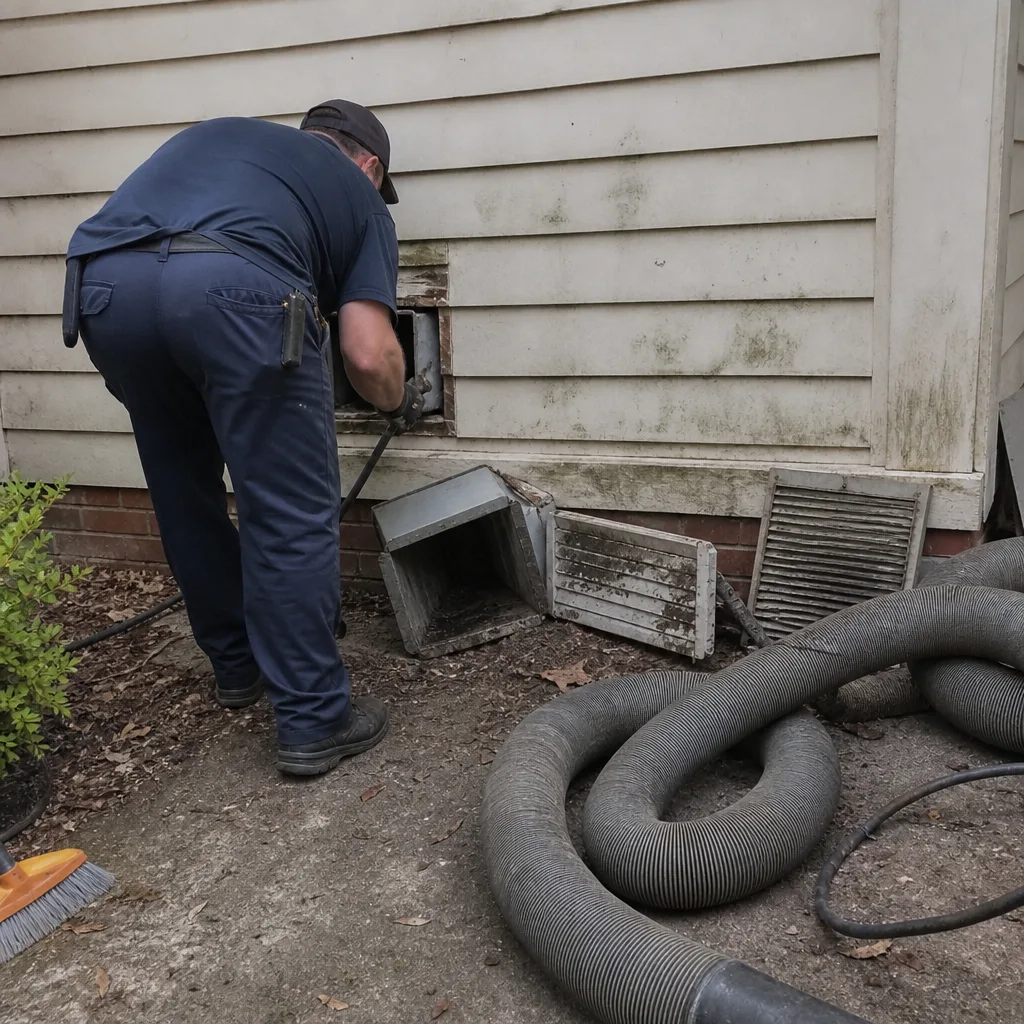
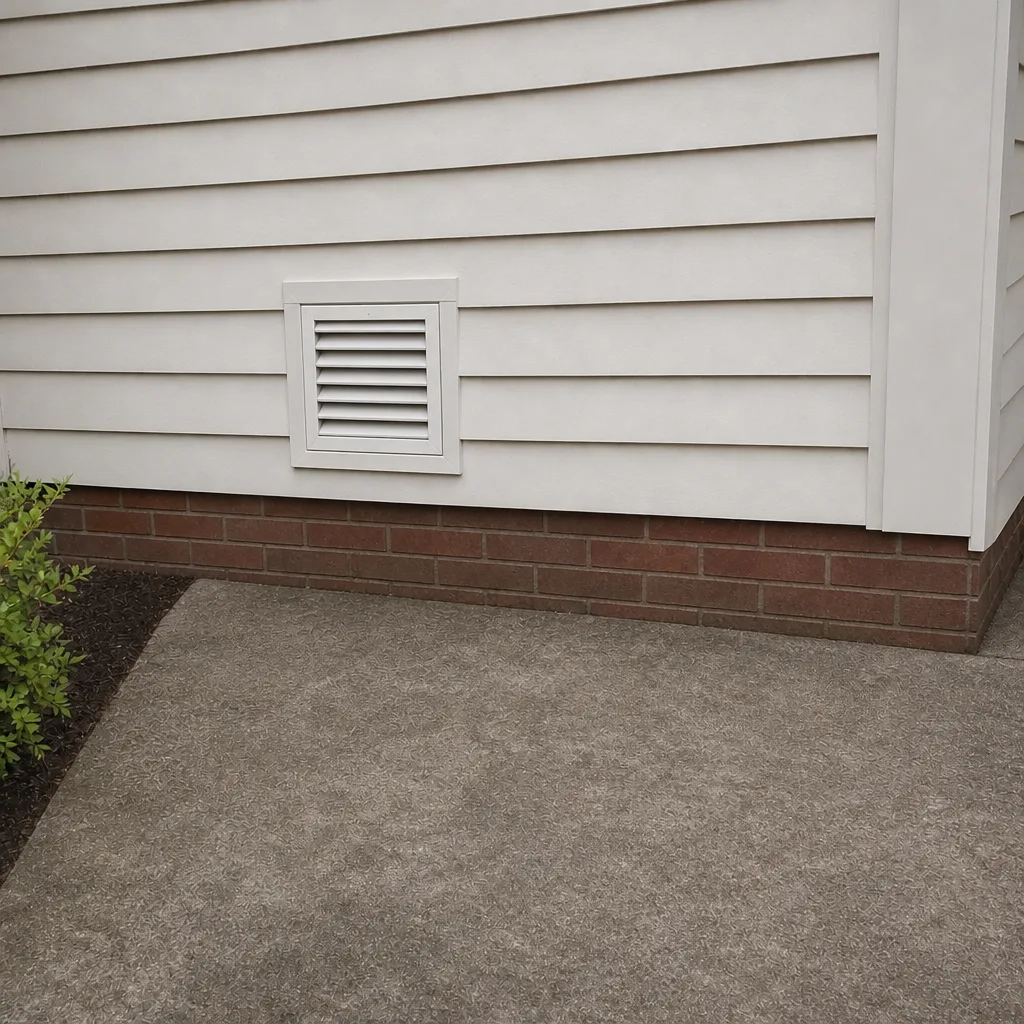
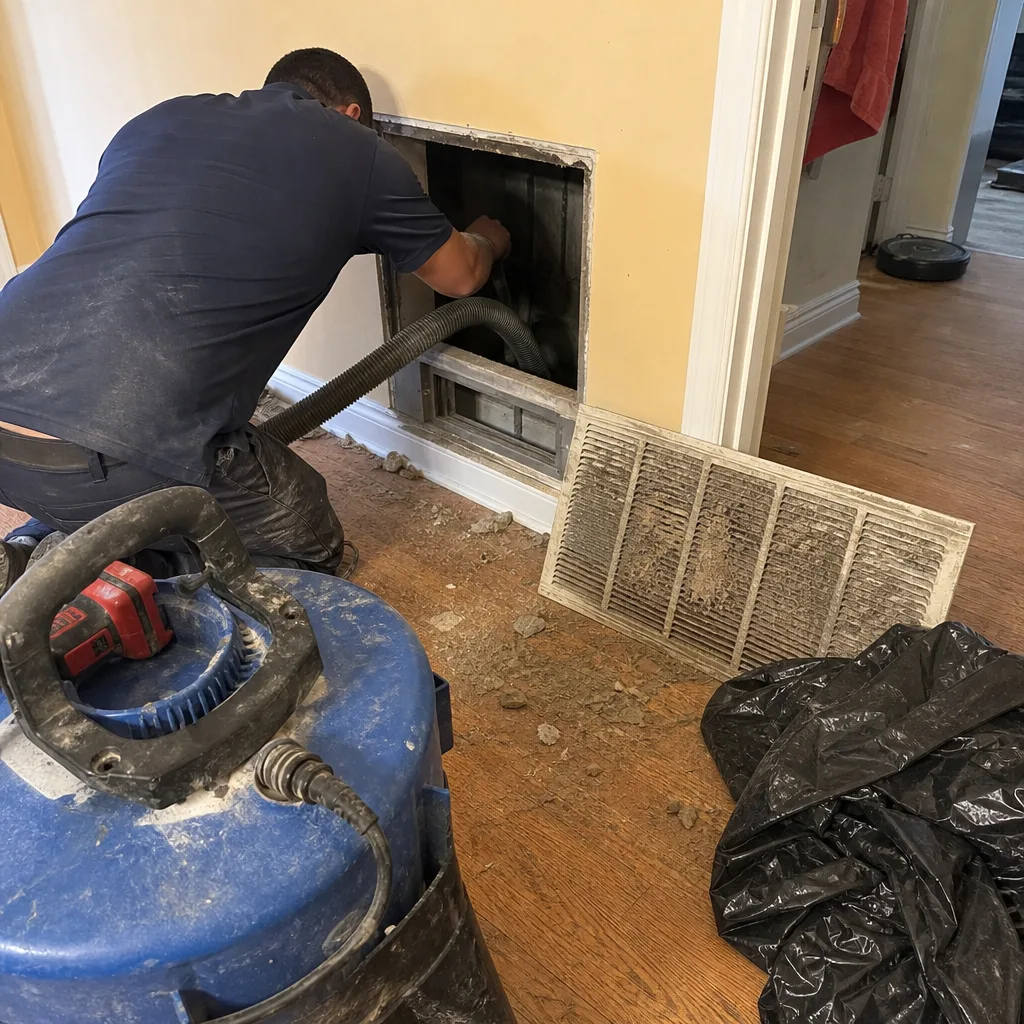
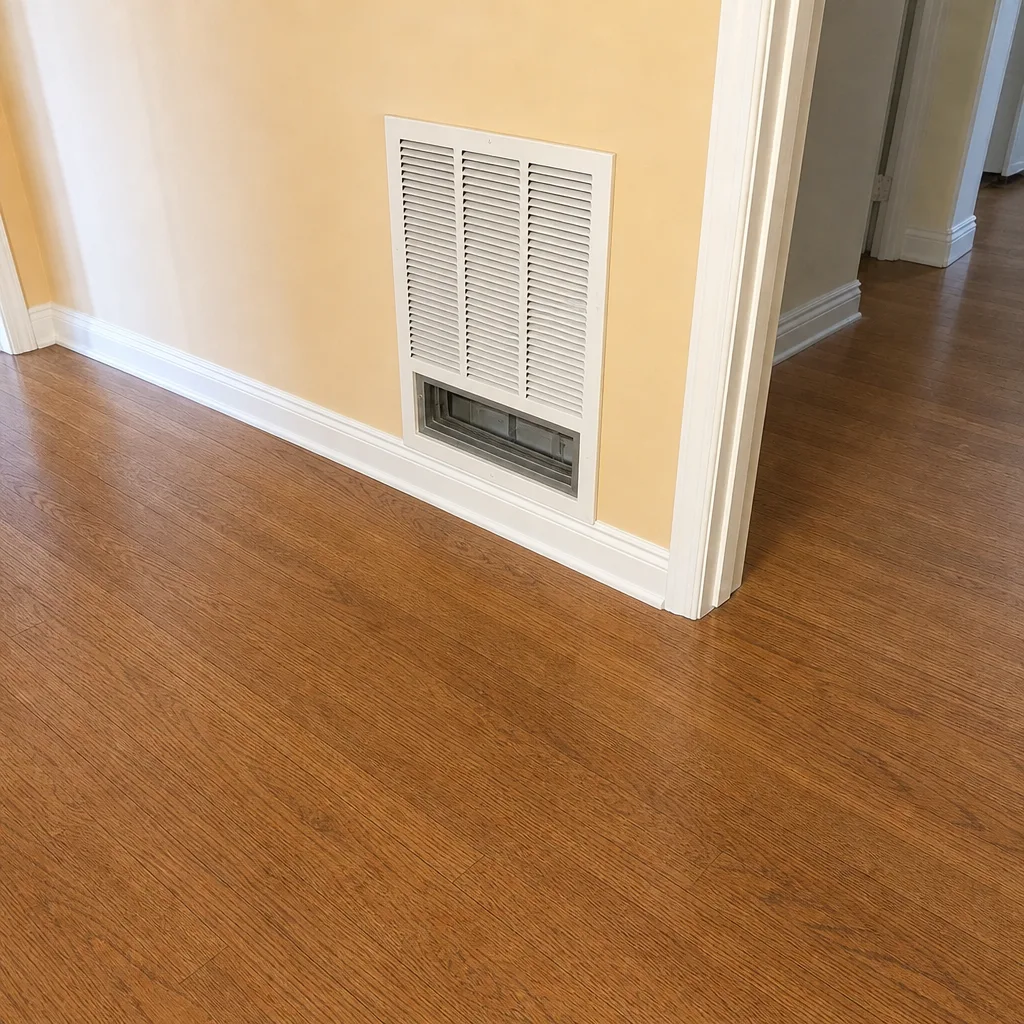
Whole-system duct and dryer vent check with before-and-after photos - you see exactly what came out of your vents
That "$99 whole-house special" is a bait ad - the real number appears once they are in your hallway, or the "clean" is a shop-vac at the register. We photograph the inside of your ducts before and after instead.
Air Duct Cleaning Maintenance Checklist for Metairie Homeowners
A checklist that says “change your filter every 90 days” was written for somewhere else. In Metairie, one week of running the system after a tropical system moves through can load a filter that would otherwise last months. Timing matters more than intervals here. Our summers push the air handler hard, our humidity keeps dust clumping on coil fins, and our brief heating season asks almost nothing of the system before the long cooling grind returns. This guide gives you a month-by-month set of inspection triggers tied to how Metairie actually lives through a year, what you can safely check with no tools, and how to tell when a signal means cleaning and when it means repair.
Styles & brands we work with
- Whole-home duct cleaning
- Dryer vent cleaning
- Camera inspection
- Sanitizing & deodorizing
Quick Answer
A workable air duct maintenance checklist for a Metairie homeowner means three things: check the filter and registers monthly during cooling season, inspect for moisture and debris after every tropical storm before you restart the system, and schedule a professional cleaning when you see visible buildup or your ducts haven’t been touched in several years. Annual is a reasonable rule of thumb for a clean-running system; post-storm and high-runtime years often need attention sooner.
Table of Contents
- The Metairie Seasonal Calendar: When to Check What
- Monthly Checks You Can Do Without Tools
- Filter Selection for High-Humidity, High-Runtime Homes
- Post-Storm Checklist Before You Restart the System
- Cleaning Need or Repair Need? How to Tell
- The Dryer Vent Belongs on This Checklist Too
- What Professional Cleaning Actually Involves
- Keeping a Simple Log
The Metairie Seasonal Calendar: When to Check What
Metairie runs on two long cooling seasons and a short heating window. From roughly April through October the air handler is doing the heavy lifting, often running most of the day during the hottest stretches. November through March it throttles back, with a few cool snaps that ask the heat side to work. A calendar that assumes four equal seasons doesn’t fit, and neither does a fixed 90-day filter rule.
Here’s how we frame it for local homeowners. The point is to tie your checks to real events, not to the calendar on the wall.
- March, before the cooling season starts. Do a full walkthrough: filters, registers, return grilles, and a look at the air handler cabinet. This is the calm window before the system starts running daily.
- June, peak cooling ramp-up. Check filters and registers again. June is when we start seeing the dust that built up over spring get pulled through. Filters load faster in high-runtime months.
- August, the heavy month. Another filter check, plus a quick look for condensation or water staining near the air handler. Long runtimes plus humidity mean moisture issues show up here if they’re going to.
- Any month a tropical system passes through. Post-storm inspection before restart. This is the single most important trigger on the whole list, and it doesn’t care what month it is.
- December, the brief heating window. Check that return grilles aren’t blocked by stored items and that heat registers are clear. Heating season is short but the system still moves air through the same ductwork.
Notice that none of that is “every 90 days.” A system that runs 10 hours a day in July loads far faster than one running two hours a day in January. If you want a single mental model in Metairie, think in runtime hours, not calendar days. Call (833) 576-1083 if you’d rather have a technician walk the system with you once and set the schedule from what’s actually installed. We answer 24/7. Fast dispatch from 7am to 7pm, Sunday through Friday.
Monthly Checks You Can Do Without Tools
Most of what tells you a duct system is drifting toward trouble is visible with your eyes and a flashlight. None of it requires opening panels, unscrewing covers, or reaching into the air handler. Here’s what to check each month during cooling season, and what each finding means.
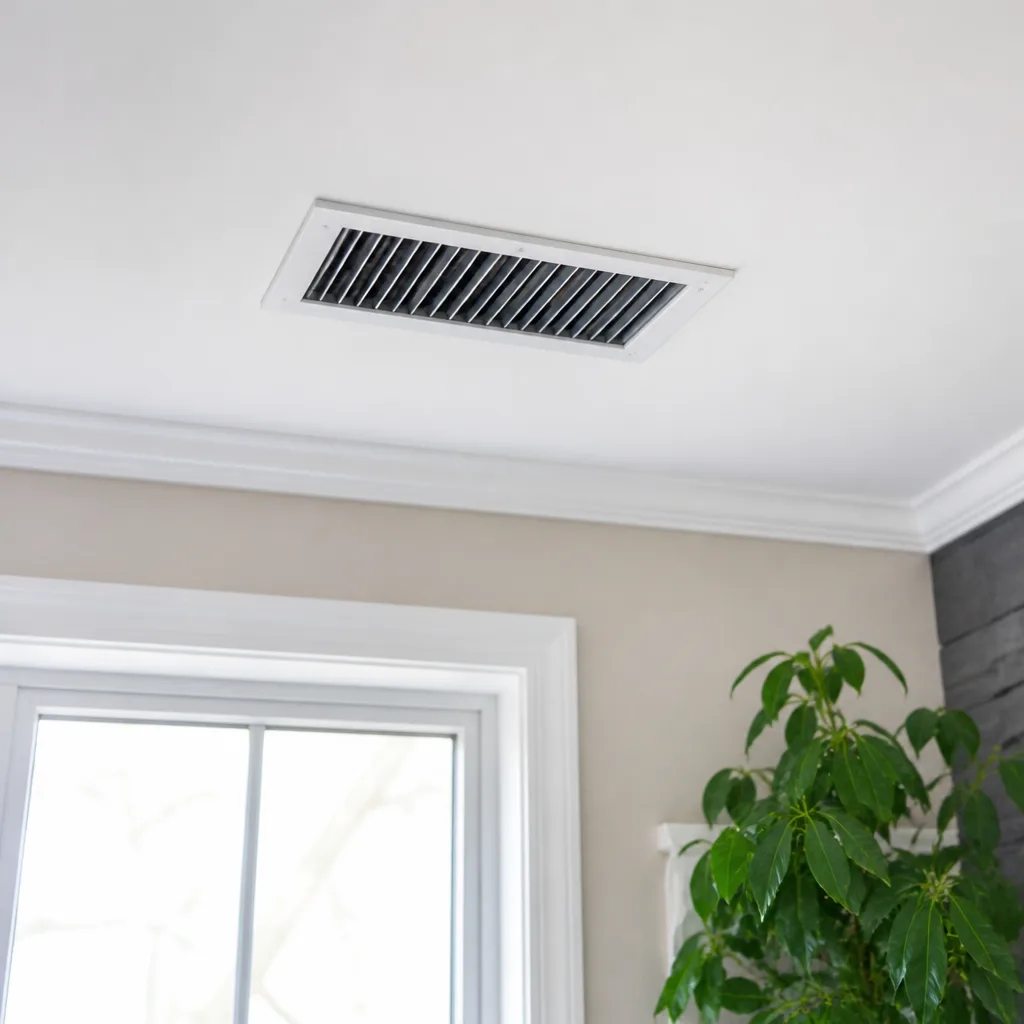
- Registers and supply grilles. Look at the face of each vent for dust streaks radiating from the slats. Streaking means the air is loaded with particles. Dark staining at the edges means the boot (the connection between duct and register) may be leaking, pulling attic or wall dust into the airstream.
- Return grilles. These collect the most because they pull the whole house’s return air through them. A return grille caked in dust is a sign the filter isn’t catching what it should, or the filter has been running past its useful life.
- Air handler cabinet. Just look at the outside. Look for water staining, condensation on the cabinet, or rust spots. Moisture around the air handler is the one thing on this list we’d call about rather than note and move on.
- Airflow feel at each register. Hold your hand near each supply register. The airflow should feel roughly consistent from room to room. A register that’s noticeably weaker than its neighbors points to a blockage, a disconnected run, or a damper issue.
- Odor. A musty or dusty smell when the system kicks on means something in the ductwork or on the coil is holding moisture or buildup.
Write down what you see. A quick note on the calendar – “return grille dusty, supply airflow weak in back bedroom” – gives a technician a starting map when you do call. In our experience, homeowners who track observations get more accurate estimates than homeowners who call with “the air feels off.”
Filter Selection for High-Humidity, High-Runtime Homes
Filter guidance written for dry climates doesn’t serve Metairie well. Here we’re balancing two things at once: the system runs a lot, so filters load fast, and the humidity is high, so the filter material itself can become a moisture trap if it’s the wrong kind or if it’s left in too long. Both push you toward checking more often than a generic schedule suggests.
MERV ratings are the number on the box, and they run on a scale where higher means finer filtration and more airflow resistance. For a typical Metairie home with a standard residential system:
- MERV 8 to MERV 11 is the sensible middle ground for most homes. It catches the dust and larger particles that load ductwork without choking airflow on a system that’s already working hard.
- MERV 13 and up catches finer particles but restricts airflow. On a system running long hours in high heat, that restriction can strain the blower and cause the coil to run colder than it should, which encourages condensation. Only go this high if the system was designed for it.
- The flat fiberglass filters that cost the least catch almost nothing. They protect the equipment from large debris and that’s about it. If dust is your concern, they’re not the tool.
Humidity adds a wrinkle. A filter that gets damp – which can happen if the return side pulls humid attic or garage air – starts to smell and can grow biological growth. Check for dampness every time you change a filter. If you find a damp filter, the problem isn’t the filter, it’s air leaking into the return from a humid space. That’s a repair issue, not a filter issue.
One more thing specific to Metairie: matching your filter to the system matters. Brands like Honeywell and Aprilaire make filter cabinets and media filters designed for specific airflow ratings. If you’re not sure what your system was built for, a technician can tell you in a few minutes. We work with those brands routinely and can match a replacement to what’s actually installed. For a full breakdown of how we handle filter-region work, see our air duct cleaning page.
Post-Storm Checklist Before You Restart the System
This is where Metairie maintenance diverges from every generic checklist you’ll find online. A tropical system doesn’t just deposit debris outside; it drives wind and water into places air handlers and ducts don’t want them. The question after a storm isn’t “should I clean the ducts” – it’s “should I turn the system on yet.”
Here’s the order we recommend. Work through it before you flip the thermostat back on.
- Look for water intrusion first. Check the air handler cabinet and the area around it for standing water, damp insulation, or water stains that weren’t there before. If you find water, don’t run the system. A wet air handler running is a shorted component waiting to happen.
- Check the outdoor unit. Look for debris piled against it, bent fins, or anything blocking airflow. Clear anything you can reach safely without disassembling the unit.
- Look at the return grilles and filters. After a storm, return filters can pull in wind-blown dust, insulation fragments, or debris that got into the return path. If a filter looks loaded or has visible debris on it, replace it before running the system.
- Check registers for visible debris. Shine a flashlight into a return grille. If you see debris that wasn’t there before, hold off and call.
- Smell the air at a few registers. If the first run after a storm produces a musty or chemical smell, shut the system down and have it inspected.
If the system runs cleanly after that walkthrough, good. If anything fails a check, don’t push it. Storm-driven debris inside ductwork is exactly the kind of thing that warrants professional extraction, not a shop vac and hope. Our Metairie service page covers how we handle post-storm calls, and you can reach us at (833) 576-1083. We answer 24/7. Fast dispatch from 7am to 7pm, Sunday through Friday.
Cleaning Need or Repair Need? How to Tell
This is the distinction most homeowners get wrong, and it’s the one that matters most when you’re deciding what to pay for. Cleaning removes buildup from intact ductwork. Repair fixes ductwork that’s come apart, crushed, or leaking. Cleaning a system with disconnected ducts is money spent on a problem that will undo itself in weeks. Here’s how to tell them apart by observable signs.
Signs that point to cleaning
- Consistent dust in the air and on surfaces, with no change in airflow between rooms
- Visible dark buildup inside registers and on return grilles
- A dusty smell that appears when the system starts
- Several years since the last cleaning, with no other symptoms
- Recent renovation or heavy dust-producing work in the home
Signs that point to repair
- One room that never gets the airflow the others do, or one room that’s always hotter or colder
- Whistling, flapping, or whooshing sounds at registers or from the air handler area
- Higher-than-expected energy use with no other explanation
- Dust that returns far faster than it should after a cleaning
- Visible sagging, crushed, or disconnected duct runs in the attic or crawl space
Some systems have both problems. A crushed duct run creates a pressure imbalance that makes a neighboring run work harder, which loads it with dust faster. Cleaning alone closes part of the loop but leaves the imbalance. That’s why we offer duct repair as a standalone service rather than treating it as an upsell – a cleaning that ignores a structural problem doesn’t hold. If you’re seeing a mix of the signs above, that’s the right time for an in-person look. Estimates are free.
The Dryer Vent Belongs on This Checklist Too
Your dryer vent moves as much air and lint as any duct run in the house, and it’s the one duct in the building most homeowners never look at. Lint is highly flammable, and a clogged vent restricts airflow, which means the dryer runs hotter and longer and the problem compounds. This isn’t a maintenance nicety – it’s the most consequential vent in your home.
The checklist items for your dryer vent:
- Monthly: clean the lint trap. This is baseline, but it’s the first line of defense.
- Every few months: check the outside vent flap. It should open freely when the dryer is running and close when it stops. A stuck flap or visible lint around the outdoor termination means airflow is restricted.
- Watch drying times. If clothes are taking noticeably longer to dry than they used to, that’s the clearest signal the vent is loading up.
- Between professional cleanings: check the flexible transition duct behind the dryer for kinks or crushing. A crushed duct behind the dryer can block more air than months of lint.
A professional dry cleaning job is different from what you can do with a vacuum and a hunch. It uses powered brushes and negative-air extraction to clear the whole run from the dryer to the outside termination, not just the section you can reach. In our experience, most Metairie homeowners who call about a dryer that “isn’t working right” are surprised to find how much lint the vent was holding. Our dryer vent cleaning page walks through what we look for. If yours hasn’t been done in a few years, put it on the top of the list.
What Professional Cleaning Actually Involves
If you’re paying for a cleaning, you should know what’s happening in your house. The difference between professional duct cleaning and a shop-vac-and-a-brush job isn’t marketing – it comes down to equipment, and the equipment does specific jobs. Here’s what the tools are for.
- Mechanical agitation. Rotobrush rotary brush systems are designed to loosen buildup from the inside of duct walls, where it clings. A vacuum alone can’t pull dust off a surface it’s stuck to. The brush does that work first.
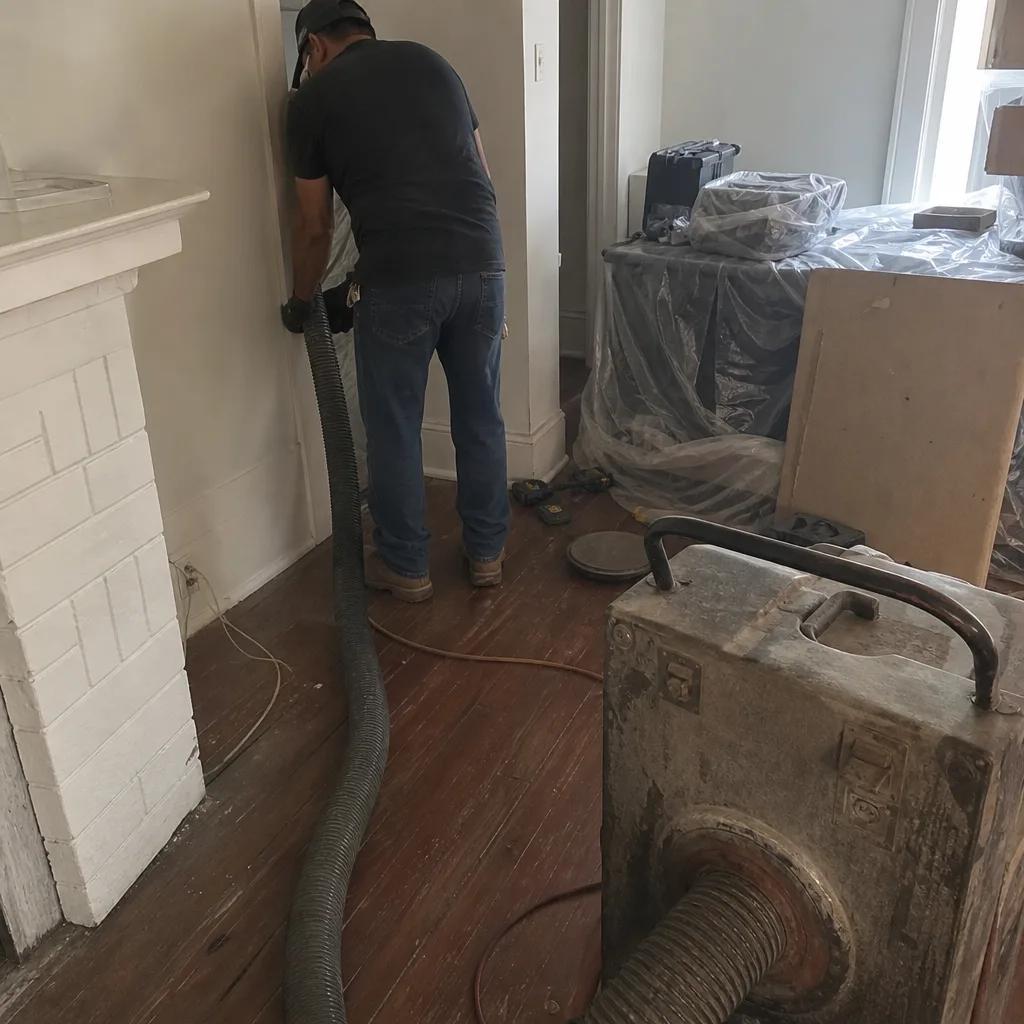
- Extraction and negative air. Nikro vacuum equipment creates the suction side. Combined with containment, it holds the debris in the system while it’s being worked on rather than letting it blow back into your rooms.
- Air filtration during the job. Abatement Technologies air filtration units run on-site during service to capture particulates in the air. This is the same tool category used in professional remediation work, and it’s the difference between a contained job and a dusty one.
- Repair capability on the same visit. When the technician finds a disconnected joint, a crushed run, or a leaking boot, the ability to fix it during the same service means the cleaning holds instead of getting undone by the same leak.
Professional-grade equipment, not improvised tools – that’s the standard we hold. We don’t show up with a rented shop vac. We show up with the machinery above and the ability to fix what we find. If you want a sense of what a typical service covers, our Duct Cleaning Metairie page lays out the scope. Estimates are free and the price is set per job by the written estimate, so you know exactly what you’re agreeing to before any work begins.
Keeping a Simple Log
The difference between a homeowner who catches problems early and one who watches a duct issue turn into a repair bill is a log. Not a complicated one. A sheet of paper on the fridge or a note in your phone works fine. Three columns: date, what you checked, what you saw.
What’s worth logging:
- Every filter change, with the size and MERV rating written down
- Any register or return observations (dust streaks, weak airflow, debris after a storm)
- Any odor notes
- Dryer drying times, especially when they change
- Any professional service with the date and what was done
This log does three things for you. It tells you when the last filter change actually happened instead of guessing. It lets you spot a trend – weak airflow that got a little weaker over two months instead of appearing overnight. And it gives a technician a real history to work from when you call. In our experience, a homeowner who can say “the back bedroom register has been weak since July” gets a more accurate assessment than one who can only say “the AC seems off.”
See the difference
 Before
 After
 Before
 After
 Before
 After